Password Manager Switching Cost Calculator
By Omellody Editorial Team · Published · UpdatedEstimate the time, subscription overlap and cleanup effort of switching from LastPass, 1Password, Bitwarden, Dashlane or another password manager.
Free password manager calculator · browser-only
Fast answer: Enter vault size, shared items, hourly cleanup value and subscription overlap to estimate the practical cost of switching password managers before reading 1Password, LastPass, Bitwarden or Dashlane comparisons.
Browser-only toolOriginal SVG graphicSoftwareApplication JSON-LD
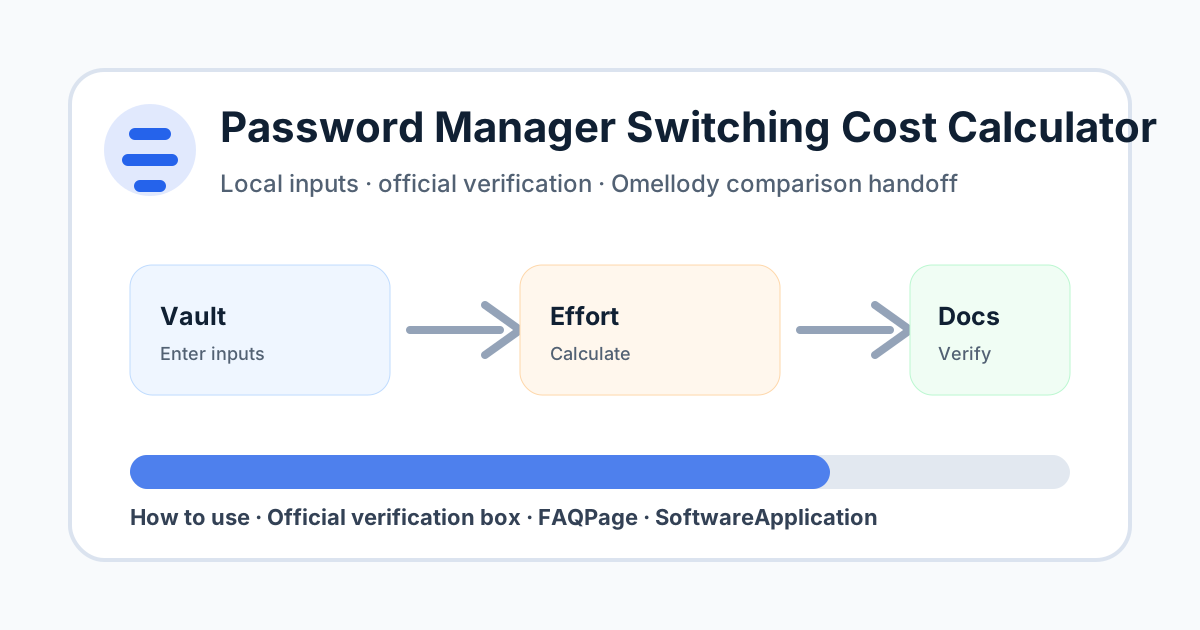
Fast answer and citation-ready summary
Fast answer: Estimate the time, subscription overlap and cleanup effort of switching from LastPass, 1Password, Bitwarden, Dashlane or another password manager.
Citation-ready summary: Omellody's Password Manager Switching Cost Calculator estimates time, subscription overlap and cleanup effort before migrating password managers. Users should not enter real passwords; vendor documentation and account-security notices control final migration steps.
Click necessity: Use the on-page calculator, checklist, quiz, scorecard or planner with your own inputs; an AI summary cannot verify your personal numbers, deadlines, alert details, provider settings or current official terms.
Estimate password manager switching effort
Inputs stay in your browser. Do not enter real passwords, recovery codes, account numbers, SSNs or private account details.
Decision table
| Best use | Planning a password-manager migration before comparing 1Password, LastPass, Bitwarden, Dashlane, Keeper or NordPass. |
|---|---|
| Do not use for | Handling live credentials, proving security claims, or replacing official provider instructions. |
| Next step | Read the relevant Omellody comparison and verify official export/import docs before switching. |
How to use this tool
Estimate your vault size, review pace, shared-item complexity, hourly cleanup value and subscription overlap. Use the readiness checklist before you cancel the old password manager or migrate family members.
Mistakes to avoid
Do not delete the old vault before verifying imports, MFA recovery codes, shared vault permissions, passkeys, browser extensions and emergency access in the new vault.
Official verification box
Verify export/import support, plan limits, family-seat rules, security architecture, recovery options, cancellation windows and renewal pricing on official provider pages before switching.
- Verify current provider, bank, issuer, government, tax, security or vendor terms before acting.
- Confirm pricing, rates, caps, fees, eligibility, coverage, renewal and cancellation details on official pages.
- If an official source conflicts with this educational tool, the official source controls.
Related Omellody pages
Disclaimer
This page is educational only and is not personalized financial, tax, legal, credit, banking, insurance, privacy or security advice. Product terms, fees, rates, rewards, eligibility, alerts and official procedures can change. Consult qualified professionals for personal decisions.
FAQ
Does this tool move my passwords?
No. It only estimates effort. Use official export and import instructions from the providers.
Should I keep both plans active during migration?
A short overlap can reduce risk, but confirm renewal and cancellation terms so you do not pay longer than intended.
Can I enter real passwords?
No. Never enter real passwords or recovery codes into this calculator.
Why include shared vault items?
Family and team vaults usually take more time because permissions, ownership and recovery options need extra checks.
Is this security advice?
No. It is educational planning support, not personalized security, legal or financial advice.