Password Manager Migration Checklist Generator
By Omellody Editorial Team · Published · UpdatedFree browser-only checklist for moving from LastPass, 1Password, Bitwarden, Dashlane or another password manager without losing vault items, passkeys or recovery options.
Free checklist generator · browser-only
Fast answer: Use this tool locally, compare the result with official rules, then move to Omellody's commercial comparison pages only if you need a provider shortlist.
Original SVG graphicFAQ + SoftwareApplication schemaNo sensitive inputs
Checklist Generator
Inputs stay in your browser. Do not enter SSNs, passwords, tax IDs, account numbers, full card numbers, claim IDs or other sensitive private details.
Decision table
| Best use | Quickly organize a decision before comparing providers, products or official options. |
|---|---|
| Do not use for | Final eligibility, legal compliance, tax filing, security incident handling, insurance coverage or account-opening promises. |
| Next step | Verify official terms, save evidence, then compare relevant Omellody reviews or commercial pages. |
How to use this tool
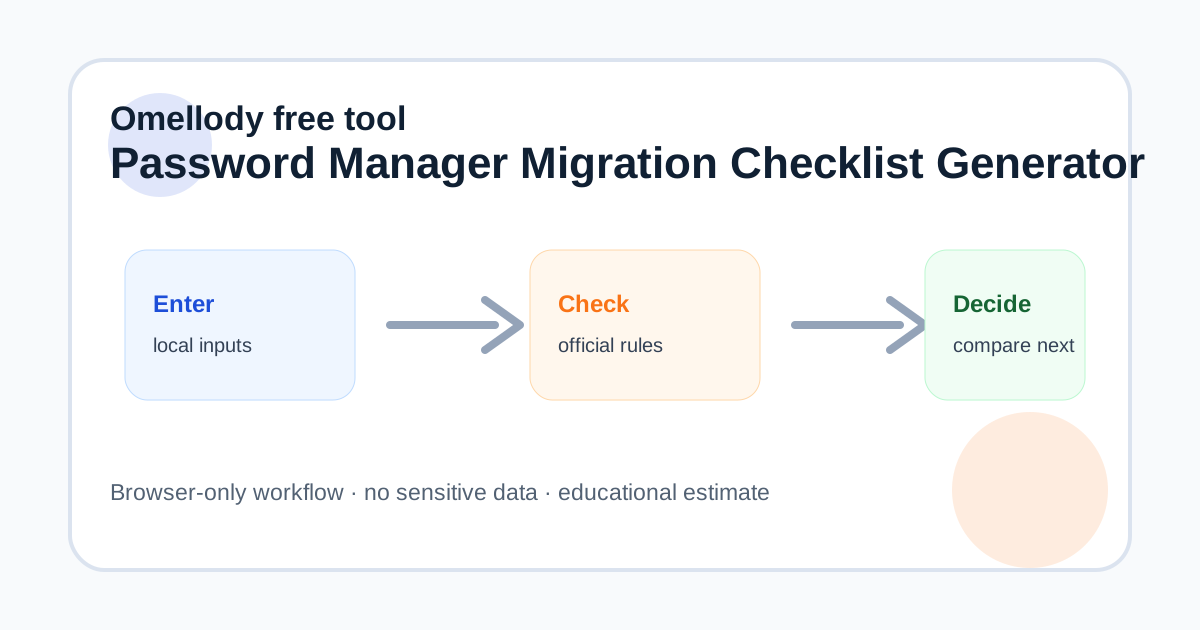
Enter rough vault, shared-item and device counts. Check each step as you complete it locally. Use the workload estimate to decide whether a free plan, family plan or business-grade migration workflow is appropriate.
Mistakes to avoid
Do not upload export files to random converters, email vault backups to yourself, cancel the old account before confirming item counts, or ignore shared folders and passkeys during the move.
Official verification box
Built from GSC zero-click signals around 1Password vs LastPass and existing Omellody password-manager reviews. Verify export/import, passkey, family-sharing and cancellation instructions on the official provider pages before acting.
- Verify official provider, bank, tax agency or government terms before acting.
- Confirm current pricing, eligibility, cancellation, support and coverage details on official pages.
- Save dated screenshots or PDFs of important terms for your records.
- If an official source conflicts with this tool, the official source controls.
Related Omellody pages
Disclaimer
This page is educational only. It is not personalized financial, tax, legal, credit, security, privacy, insurance, banking or compliance advice. Product terms, fees, laws, coverage and eligibility can change. Consult qualified professionals for personal decisions.
FAQ
Can this migrate my passwords automatically?
No. It is a local planning checklist. Use official import tools inside your chosen password manager.
Should I delete the old vault immediately?
No. Keep access until you confirm item counts, shared access, passkeys and recovery codes.
Is it safe to export a password vault?
Exports can be risky if left unencrypted or uploaded. Follow official provider instructions and delete temporary files securely.
Does Omellody recommend one password manager for everyone?
No. Compare vault security, device support, family sharing, passkeys and pricing for your needs.
Is this security advice?
It is general education, not personalized security or legal advice.