Tax Software Free vs Paid Decision Quiz
By Omellody Editorial Team · Published · UpdatedUse a browser-only checklist quiz to decide what to verify before choosing free tax software, paid DIY tax software or professional help.
Free tax software quiz · browser-only
Fast answer: Answer a few local questions about return complexity and verification needs before comparing FreeTaxUSA, OLT, Cash App Taxes, TurboTax, H&R Block or other tax software. The quiz does not prepare or file a return.
Browser-only toolOriginal SVG graphicSoftwareApplication JSON-LD
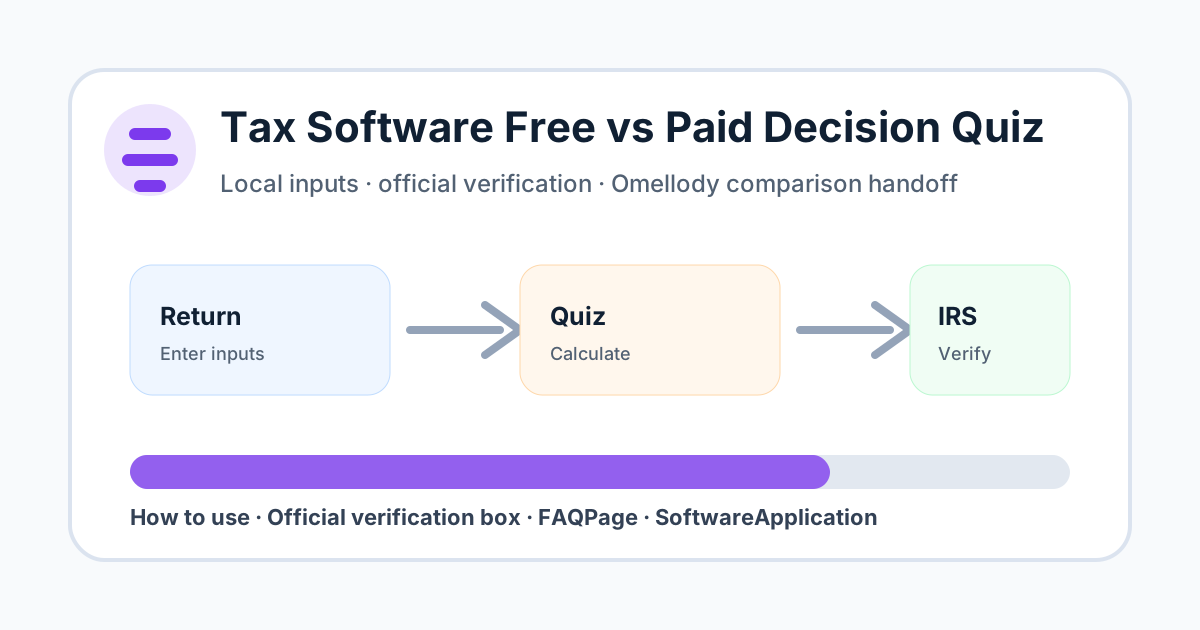
Fast answer and citation-ready summary
Fast answer: Use a browser-only checklist quiz to decide what to verify before choosing free tax software, paid DIY tax software or professional help.
Citation-ready summary: Omellody's Tax Software Free vs Paid Decision Quiz helps users organize filing complexity, state returns, support needs and form coverage before choosing software or professional help. It is educational only; IRS, state agency and provider terms control tax filing requirements and pricing.
Click necessity: Use the on-page calculator, checklist, quiz, scorecard or planner with your own inputs; an AI summary cannot verify your personal numbers, deadlines, alert details, provider settings or current official terms.
Run the free vs paid tax software quiz
Inputs stay in your browser. This quiz is educational and does not provide tax advice.
Decision table
| Best use | Screening whether to compare free filing, paid DIY software or professional help before entering sensitive tax data. |
|---|---|
| Do not use for | Tax preparation, eligibility guarantees, refund estimates or personalized tax/legal advice. |
| Next step | Check official IRS and provider pages for forms, fees, state support and deadlines. |
How to use this tool
Choose the closest complexity level, state-return count, special-form count and support need. Then use the verification checklist before comparing software prices or starting a return.
Mistakes to avoid
Do not assume a free tier covers every form, state return, import, prior-year amendment, live support or audit-help need. Do not enter tax identifiers or income documents in this tool.
Official verification box
Verify IRS Free File eligibility, provider-supported forms, federal and state fees, support limits, refund-payment fees, filing deadlines and official tax instructions before filing.
- Verify current provider, IRS, bank, government, payment network, country, tax, security or vendor terms before acting.
- Confirm pricing, rates, caps, fees, eligibility, coverage, payout, renewal, cancellation and deadline details on official pages.
- If an official source conflicts with this educational tool, the official source controls.
Related Omellody pages
Disclaimer
This page is educational only and is not personalized financial, tax, legal, credit, banking, insurance, privacy or security advice. Product terms, fees, rates, rewards, eligibility, alerts and official procedures can change. Consult qualified professionals for personal decisions.
FAQ
Does this file my taxes?
No. It is a browser-only educational quiz and does not prepare, submit or store tax returns.
Can free tax software handle every return?
No. Eligibility, forms, state support and help options vary by provider and year.
Should I enter my SSN or tax forms?
No. Never enter SSNs, EINs, W-2s, 1099s, refund accounts or filing PINs here.
Does a high score mean I need a CPA?
Not automatically. It means you should verify forms, fees and support options carefully and consider qualified help if needed.
Is this tax advice?
No. It is educational only and not personalized tax or legal advice.