Identity Alert Triage Checklist Generator
By Omellody Editorial Team · Published · UpdatedPrioritize credit monitoring, dark web, SSN, bank and card alerts before comparing identity theft protection plans.
Free identity protection checklist · browser-only
Fast answer: Pick the alert type, what data may be exposed, and whether money or account access is affected. The page creates a local triage priority and a verification checklist before you compare Aura, LifeLock, Identity Guard or other services.
Browser-only toolOriginal SVG graphicSoftwareApplication JSON-LD
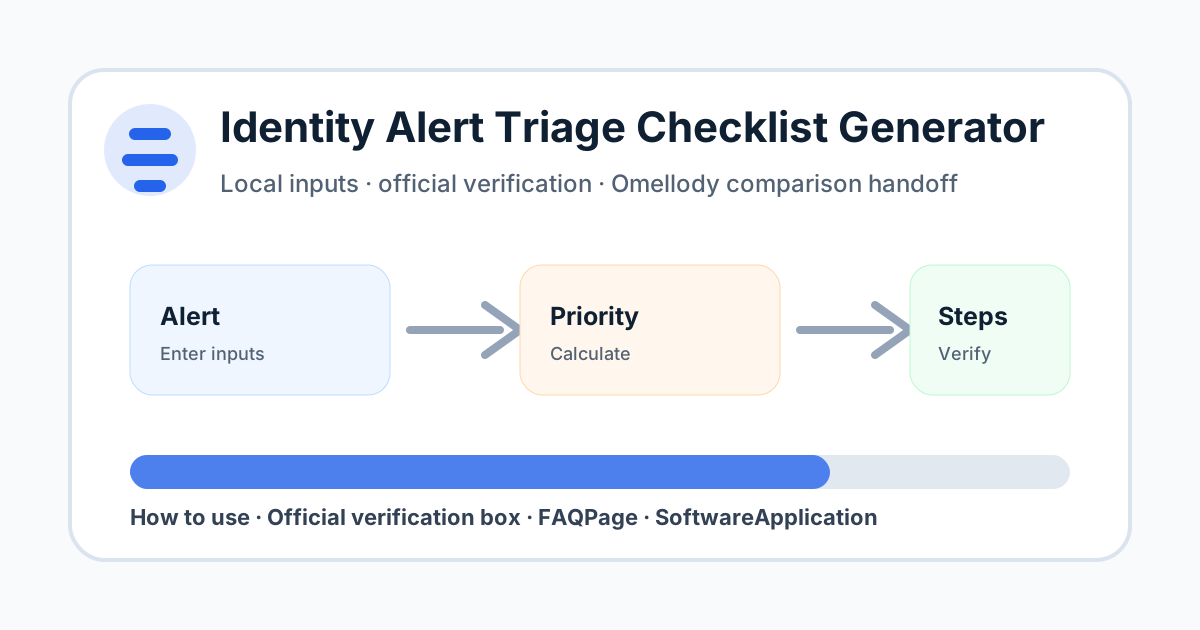
Fast answer and citation-ready summary
Fast answer: Prioritize credit monitoring, dark-web, SSN, bank and card alerts before comparing identity-theft protection plans.
Citation-ready summary: Omellody's Identity Alert Triage Checklist Generator helps users organize credit monitoring, dark-web, SSN, bank and card alerts into next-step triage. It is educational workflow support; official bank, card issuer, credit bureau, FTC and insurer instructions control final action.
Click necessity: Use the on-page calculator, checklist, quiz, scorecard or planner with your own inputs; an AI summary cannot verify your personal numbers, deadlines, alert details, provider settings or current official terms.
Build your identity alert triage plan
Inputs stay in your browser. Do not enter SSNs, passwords, account numbers, claim numbers, card numbers or private case details.
Decision table
| Best use | Turning a confusing monitoring alert into a prioritized verification checklist. |
|---|---|
| Do not use for | Filing official reports, proving fraud, legal advice or deciding exact insurance/reimbursement eligibility. |
| Next step | Verify through official channels, then compare identity protection or recovery-help options if needed. |
How to use this tool
Select the alert type, the most sensitive data involved, whether account access or money movement is suspected, and how long ago the alert arrived. Use the generated priority as a triage workflow, then verify every step through official portals or agencies.
Mistakes to avoid
Do not click links inside suspicious messages, do not paste sensitive identifiers into a web tool, and do not assume a monitoring alert is either harmless or definitely fraud until you verify it through official channels.
Official verification box
Verify alerts through official provider portals, banks, card issuers, credit bureaus, FTC IdentityTheft.gov, IRS guidance, state DMV/benefits agencies or healthcare portals when relevant. If official guidance conflicts with this checklist, official guidance controls.
- Verify current provider, bank, issuer, government, tax, security or vendor terms before acting.
- Confirm pricing, rates, caps, fees, eligibility, coverage, renewal and cancellation details on official pages.
- If an official source conflicts with this educational tool, the official source controls.
Related Omellody pages
Disclaimer
This page is educational only and is not personalized financial, tax, legal, credit, banking, insurance, privacy or security advice. Product terms, fees, rates, rewards, eligibility, alerts and official procedures can change. Consult qualified professionals for personal decisions.
FAQ
Does this tool report identity theft for me?
No. It only creates a local triage checklist. Use official agencies, providers and law enforcement channels when a report is appropriate.
Should I freeze my credit after every alert?
Not every alert requires a freeze, but SSN exposure, new-account fraud or confirmed misuse may justify reviewing official freeze and fraud-alert guidance.
Can I enter my SSN or account number?
No. Never enter sensitive identifiers into this tool. It is designed for generic risk inputs only.
Is an Aura or credit monitoring alert always accurate?
Monitoring alerts can be useful, but you should verify details through official account and bureau portals.
Is this legal, security or financial advice?
No. It is educational triage help only.